Searching with an empty field will display ALL actions, which could quickly fill the screen.
To clear results if the screen gets crowded, tap "Top" and then click "Search" again.
Text copied!
Web Search
Translation Services
Tip: Paste manually if the copied text doesn't appear automatically.
🚀 Get started
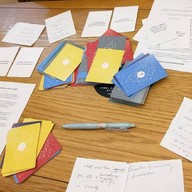
Invite Others: Share the to get everyone onboard.
Pick Actions: Each person taps an action's to save it into Saved Actions.
Do & Reflect: Choose one saved action to do now or soon. Afterward, share what you noticed or felt.
Optional: Roll the dice to randomly select an action or decide who goes first.
Share this Page
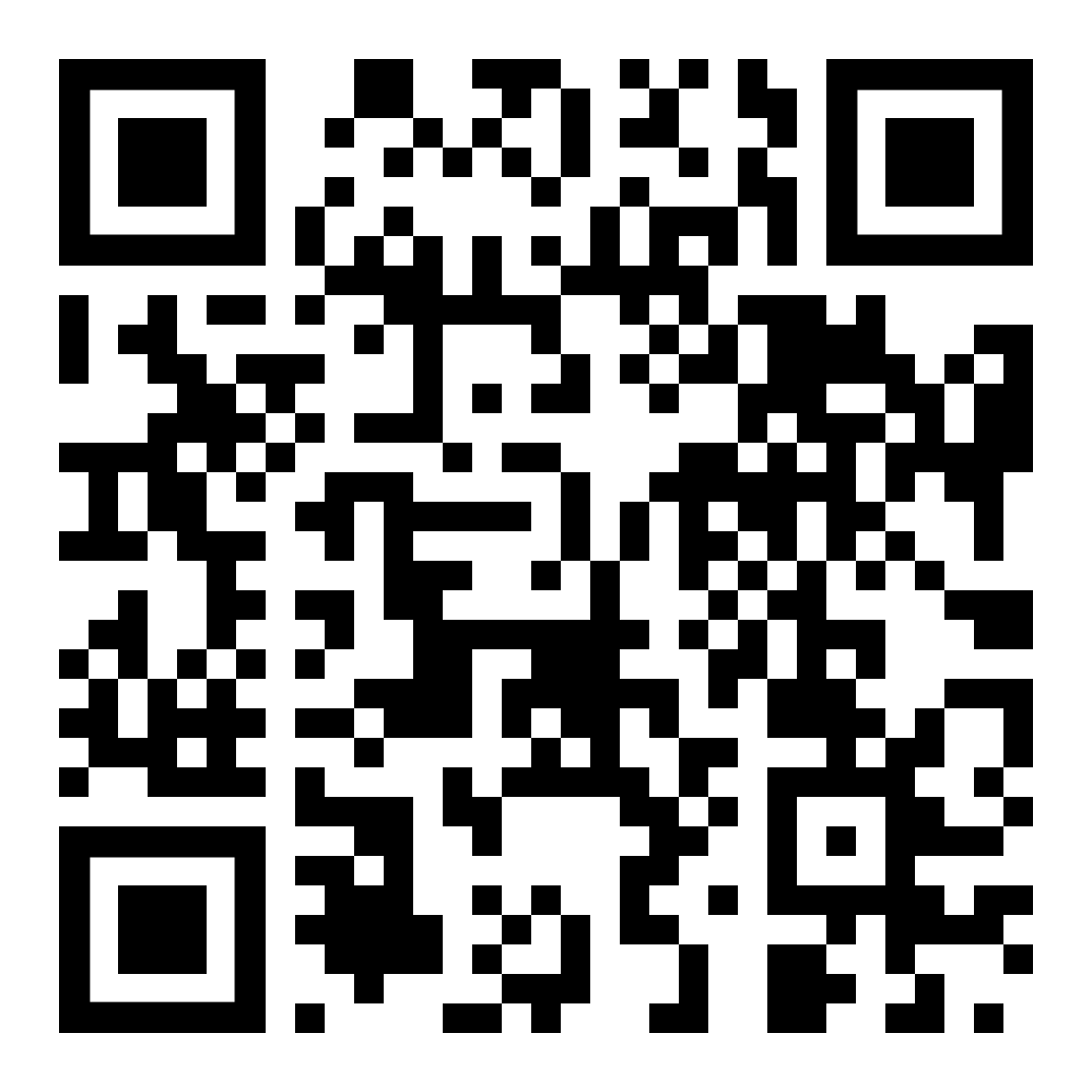
Scan the QR code below to quickly share or access this page:
Tip: Paste manually if the copied text doesn't appear automatically.
Heads-up: How Your Notes are Saved
Notes and Saved Items are stored only in your browser's local storage. This data is subject to loss if you clear your browser's cache, change devices, or if the browser decides to delete it.
We recommend regularly backing up your data by exporting it via the "Manage Saved Items" page.
💡 Action Saved
Tapping the star saves the action to the "Saved Actions" section at the bottom of the app.
This makes it easy to keep track of actions you want to do.
To remove an action, simply tap its star again, or find it in the Saved Actions section, tap it, and click "Clear Selected".
Are you sure you want to unsave this action?
Warning: This action will remove the saved item and its associated notes.